Screen recordings that edit themselves
Kova records your screen with cinematic smoothness, then uses AI to automatically trim dead air, add smooth zoom keyframes, adjust pacing, and polish your footage into a publish-ready video. One click.
Requires macOS 13 Ventura or later
See the difference
Same recording. One click. Half the time.
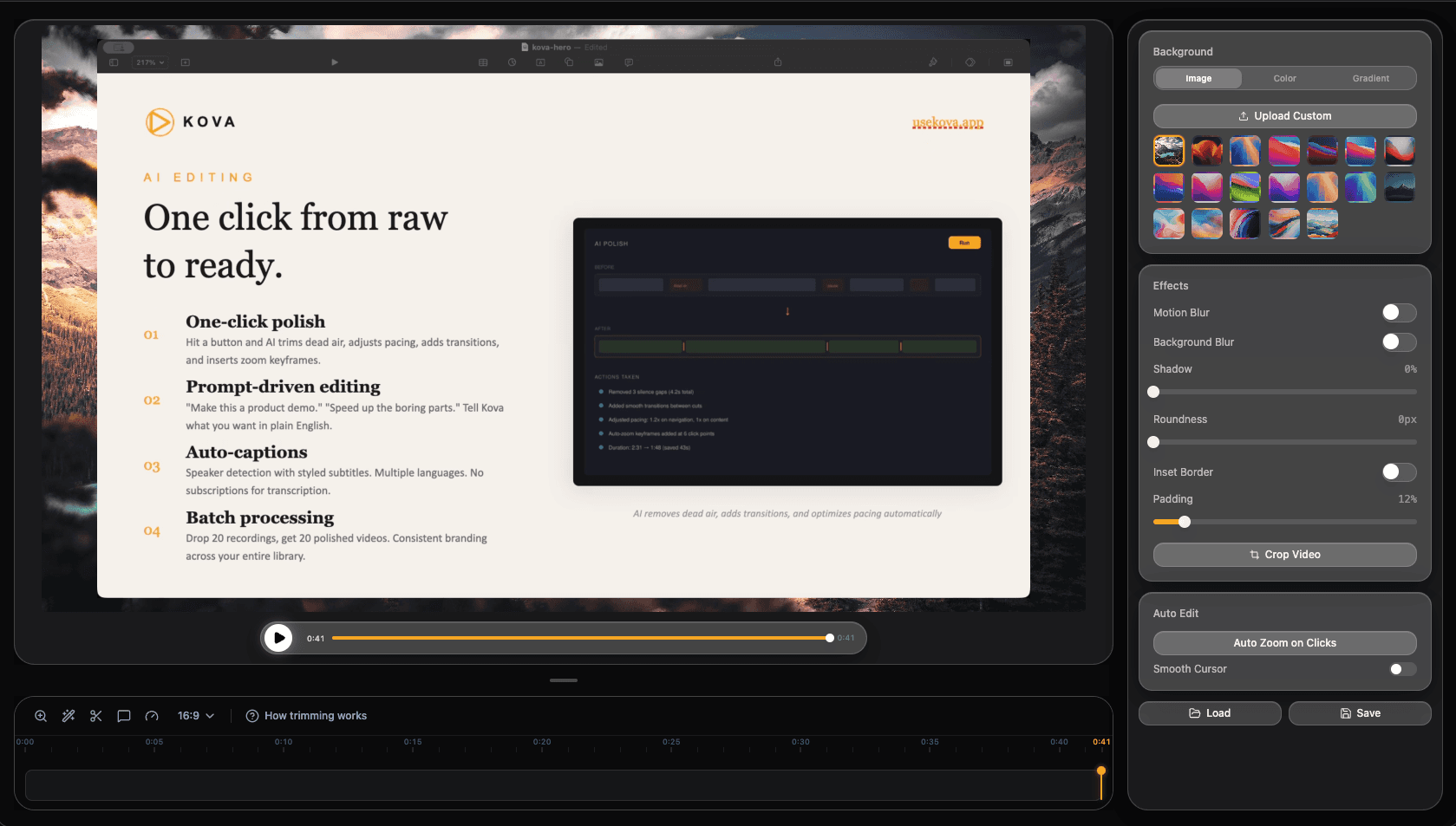
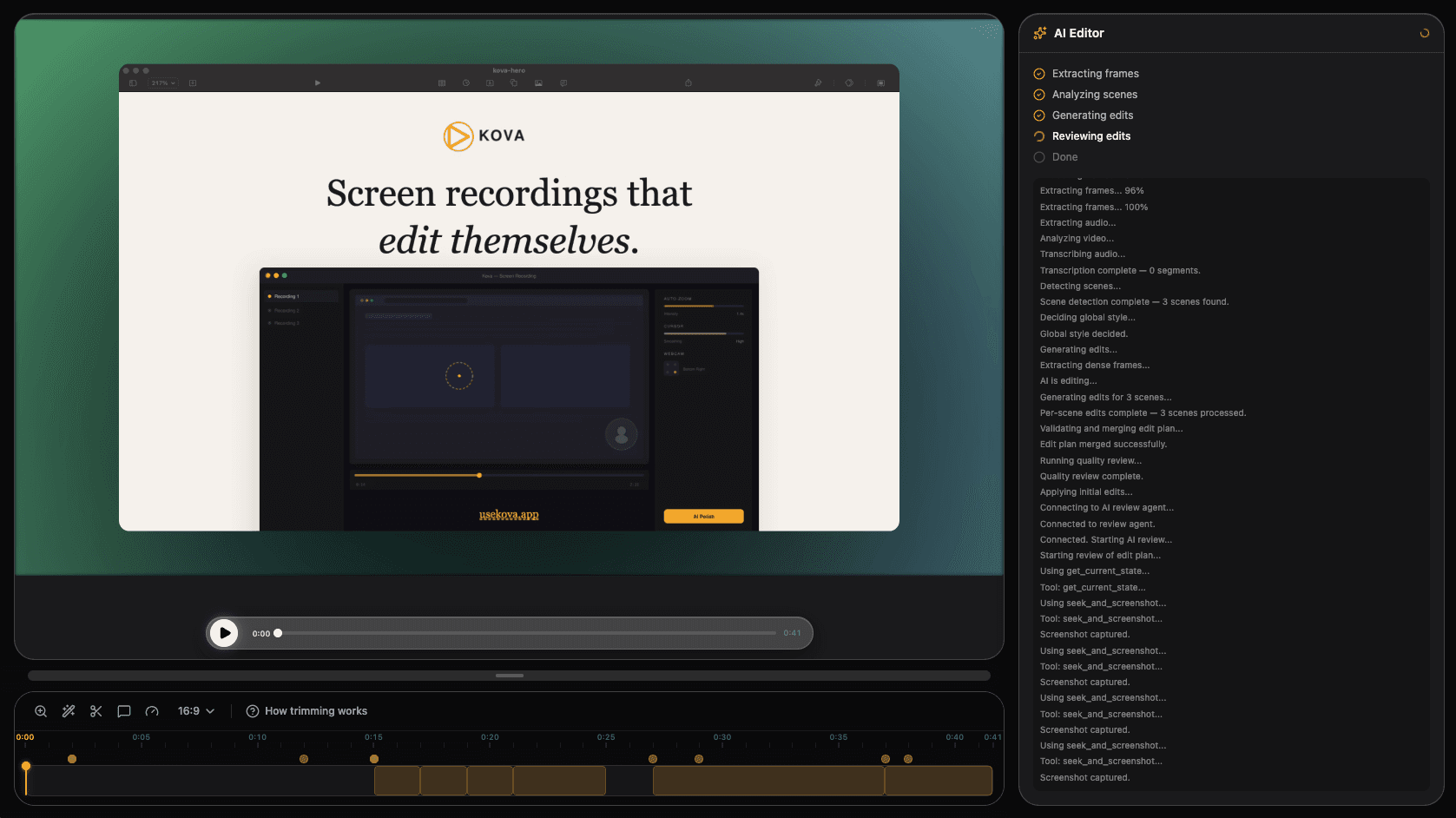
Hit one button. Get a polished video.
Kova's AI analyzes your recording and automatically adds smooth zoom keyframes on every click, trims dead air and pauses, adjusts pacing for engagement, and adds professional transitions. What used to take 30 minutes now takes 3 seconds.
4K recording with system audio and webcam.
Capture your entire screen, a window, or a custom region in up to 4K resolution. Kova captures system audio and microphone simultaneously, with a live webcam preview that floats on your screen during recording.
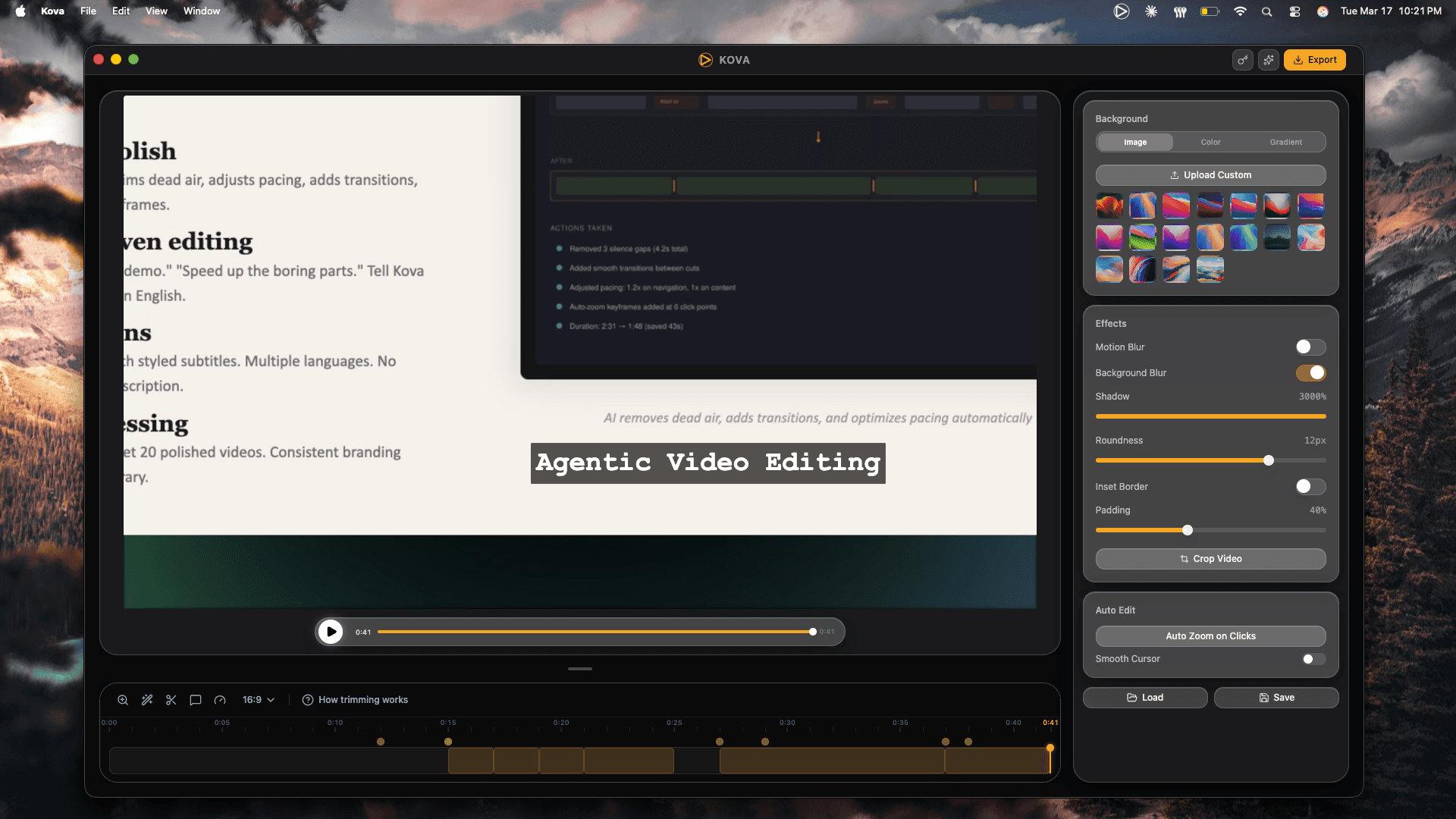
Every click gets a cinematic zoom.
Kova tracks your clicks at 10Hz and generates Catmull-Rom spline interpolated zoom paths. The result: smooth, cinematic camera movements that follow your cursor naturally — like a professional videographer is operating the camera.
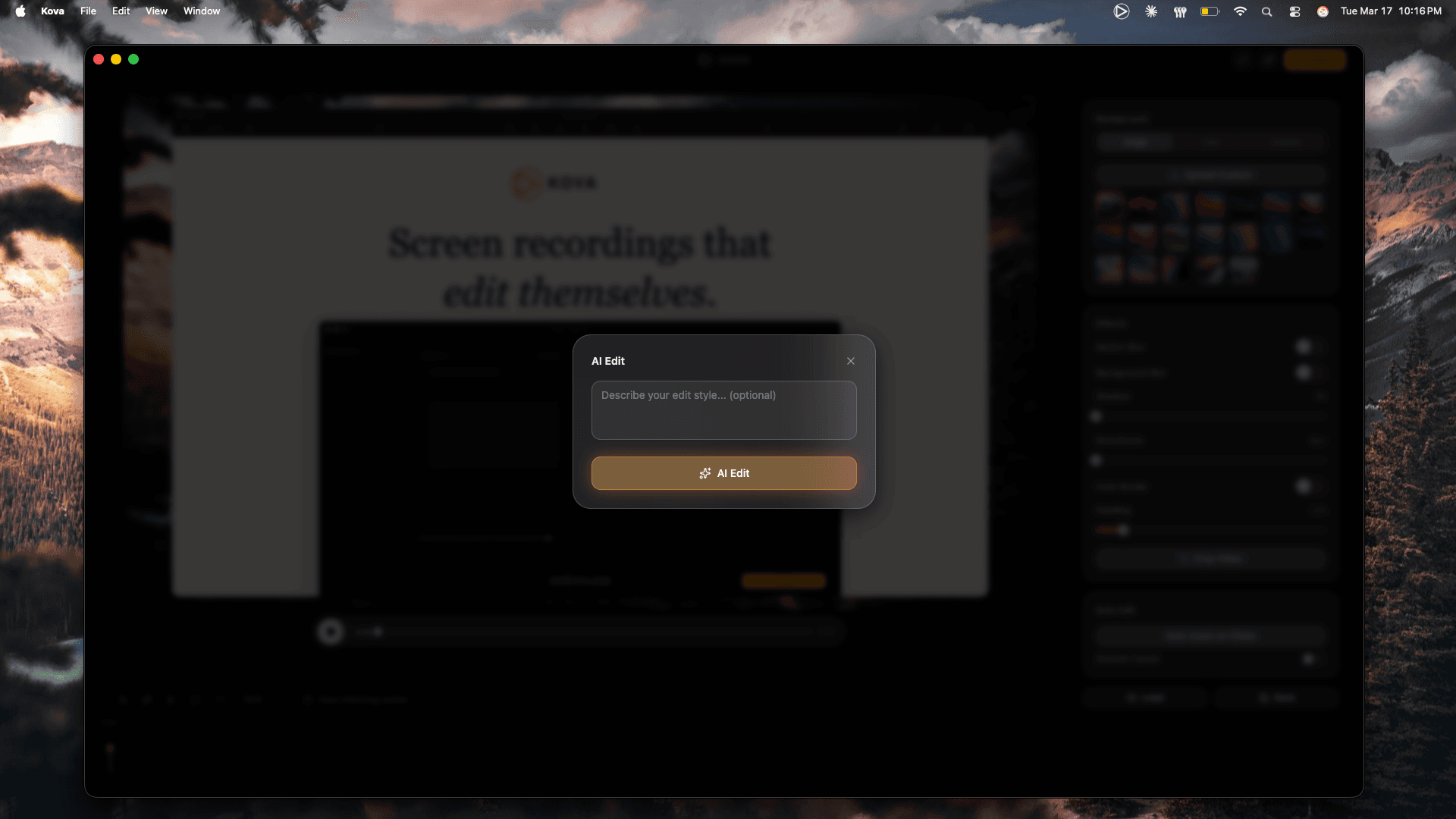
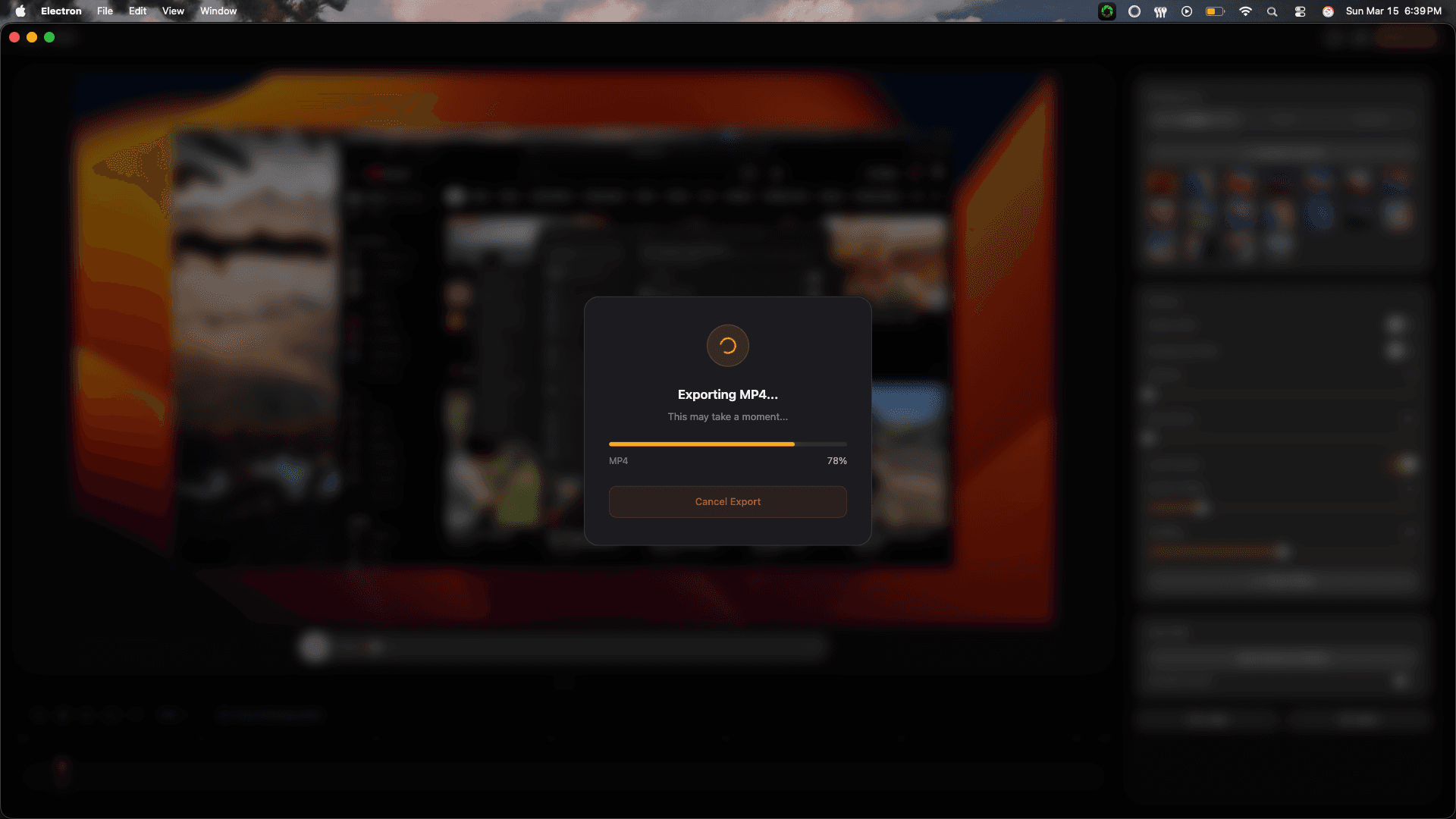
Publish-ready MP4 in seconds.
Hardware-accelerated encoding with WebCodecs delivers fast exports to MP4 with fastStart for instant web playback. Share via a link, download the file, or upload directly to your hosting.
How it works
Record
Hit ⌘⇧R and capture your screen with audio + webcam
Polish
Click "Auto Polish" and let AI do the editing
Share
Export as MP4 or share with a link in seconds
One price. Yours forever.
Pay once, use forever. No subscriptions. All future updates included.
Pro
- Everything in Free
- No watermark
- AI auto-polish
- All future updates
Your screen recordings deserve better.
Download Kova and make your next recording your best one.
macOS 13+ · Free plan available